Create a punch needle pattern
Describe a scene or upload an image, and we'll produce a colored map ready for stitching.
Recent designs
View all designs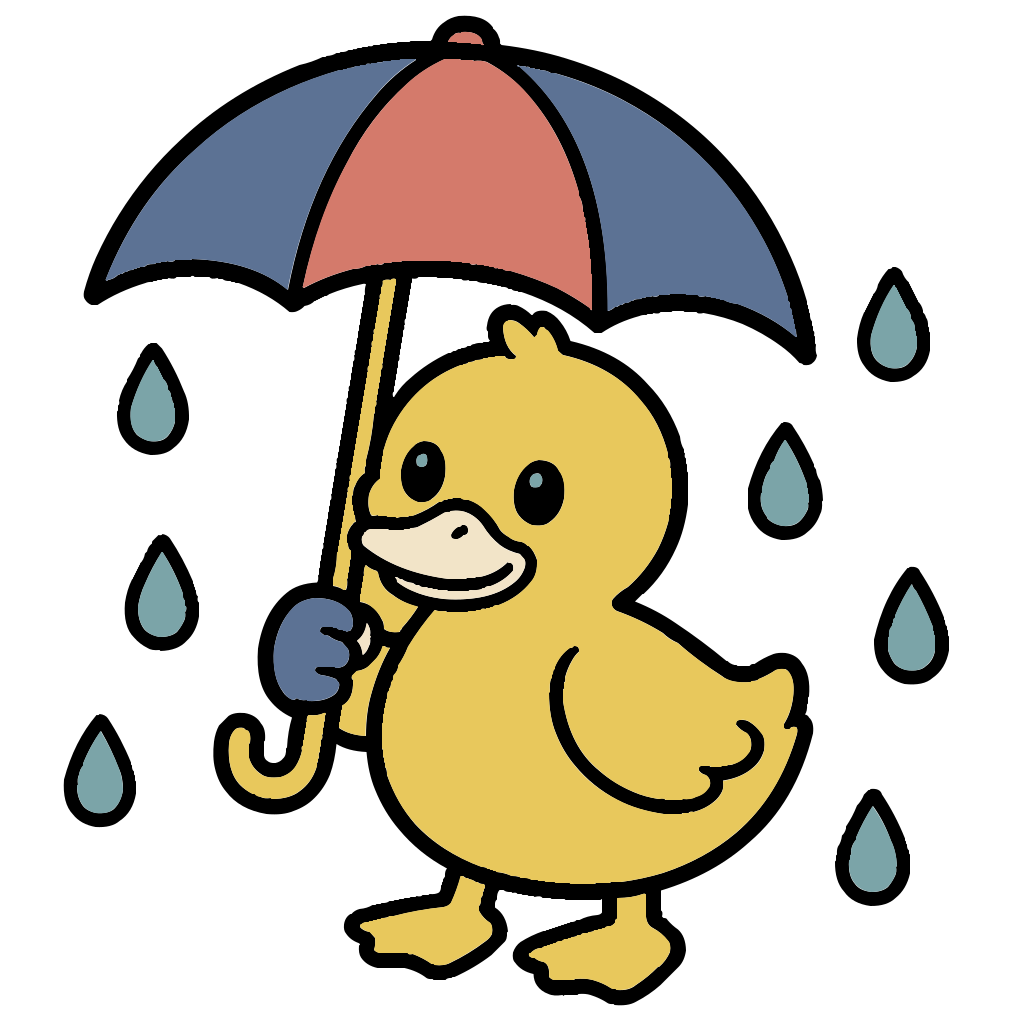
Cartoon duck standing in the rain holding an umb…
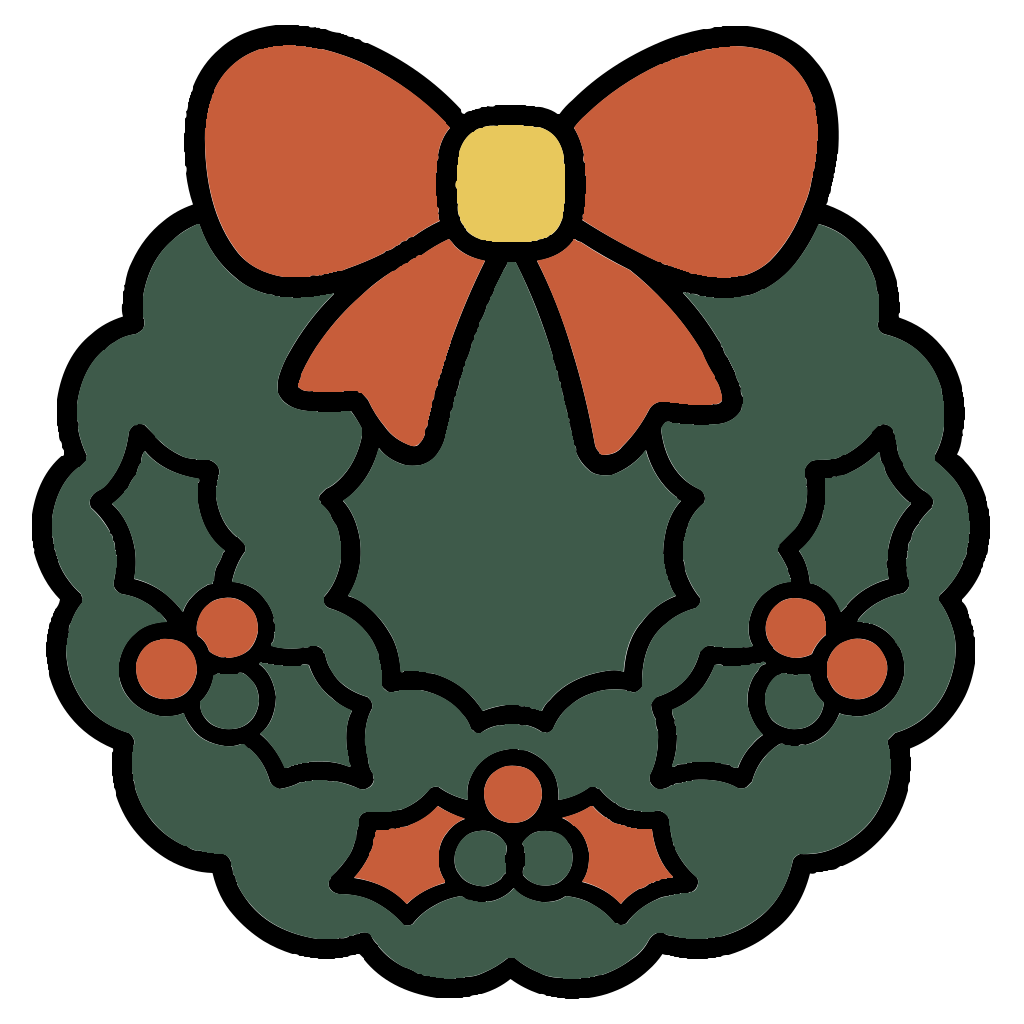
A Christmas themed
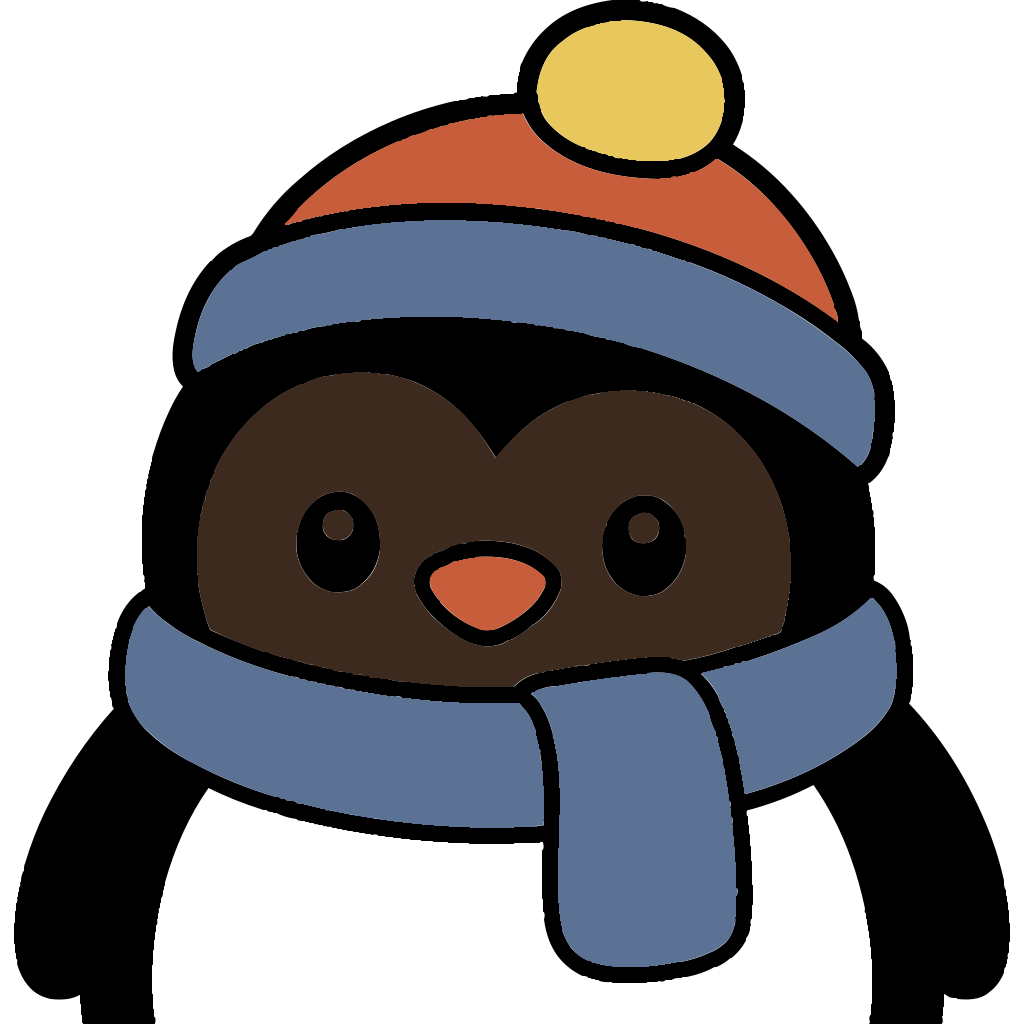
Can you make a close up of a penguin wearing a s…
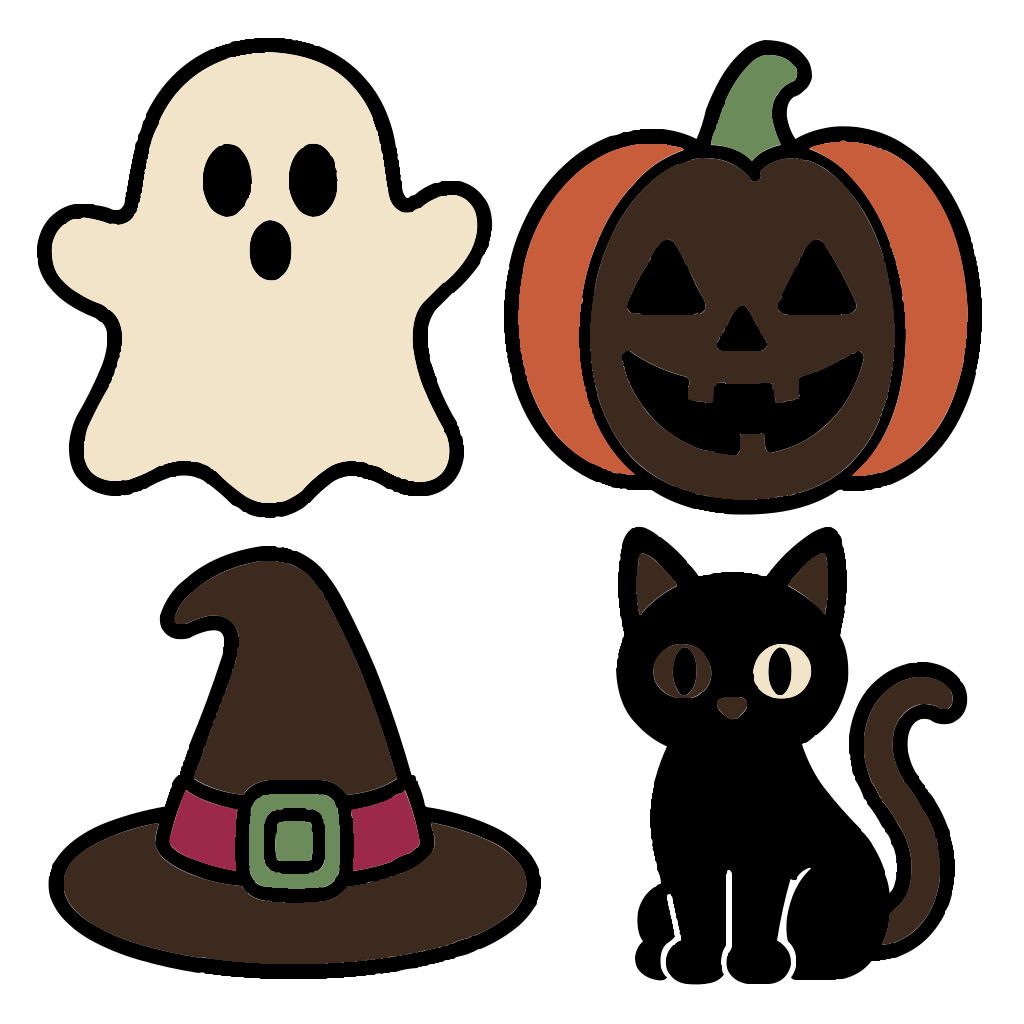
Make a ghost, a pumpkin, a witches hat, a black …
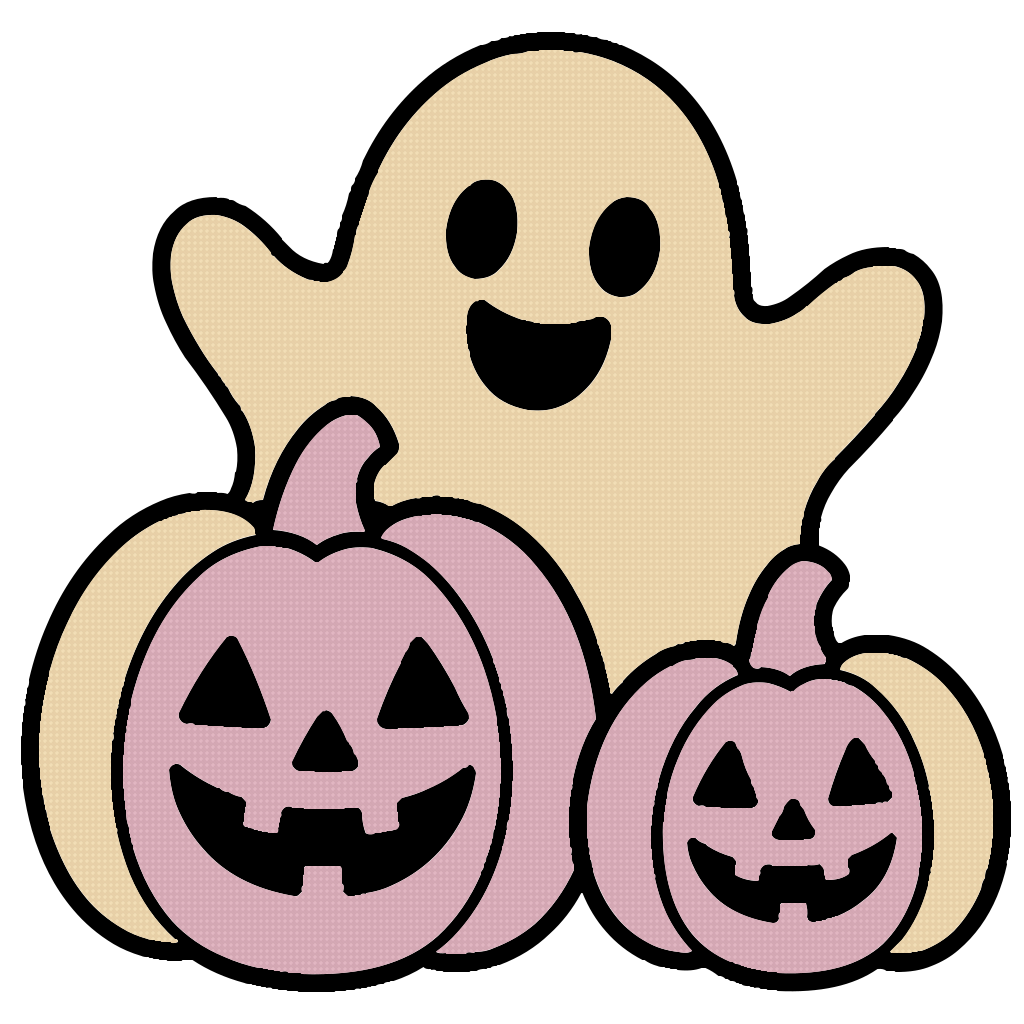
A Halloween themed with ghost and pumpkins
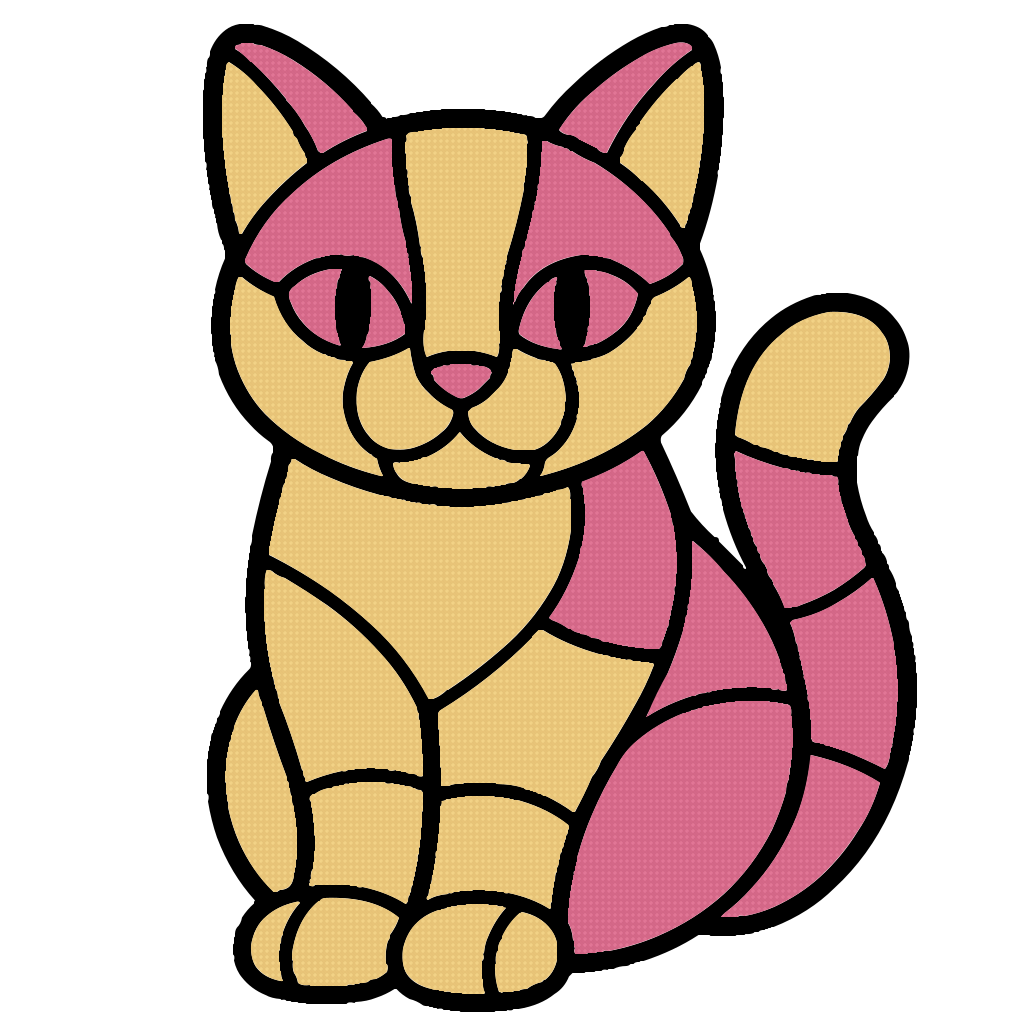
Create a mosaic cat

Santa clause with a tree behind him and it’s sno…
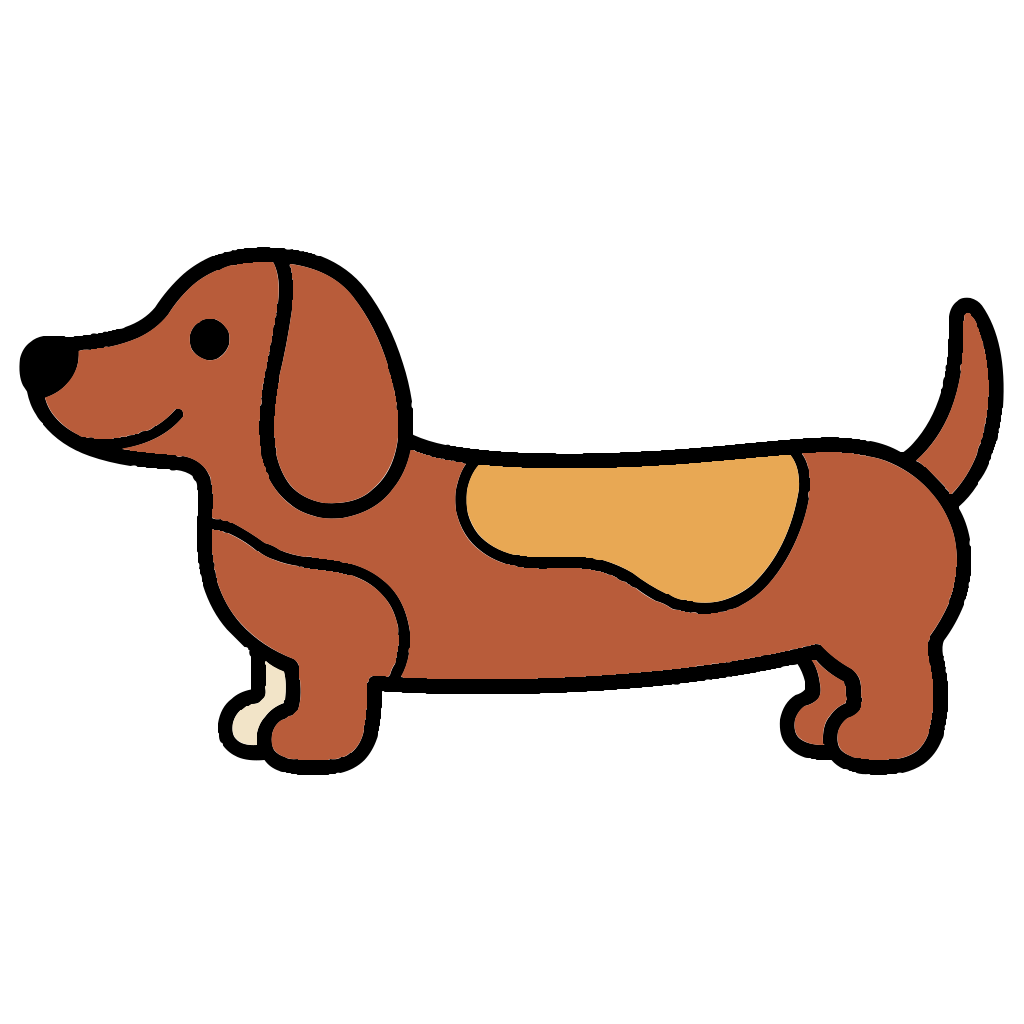
Create a long Weiner dog. With floppy ears and l…
How it works
- 01
Describe an idea
Write a short sentence about what you want to create: an object, a scene, a mood. The richer the description, the more accurate the pattern.
- 02
AI builds the pattern
The AI translates your description into line art and divides it into color regions. You can change the colors however you like after generation.
- 03
Color and download
Download an organized pattern guide and start creating.
About the pattern generator
The pattern generator turns an idea or short description into a ready-to-stitch punch-needle pattern. The AI translates the description into line art, colors it with the palette you choose, and produces a PDF with the color map and stitching guide. Free users can create up to 5 patterns per day, edit each region individually, and save designs to their personal gallery.
Frequently asked questions
Everything you should know before you start creating.
How do I create a punch-needle pattern with a personal style?
Describe the central subject in as much detail as possible - what it's doing, what it's wearing, what's in the background, pop-art style... The richer the description, the more accurate and cool the pattern you'll get.
How do I change palette?
In the editor, click any palette in the side rail. The pattern recolors instantly. You can also pick individual colors from the swatch library.
How do I paint a specific area?
Click any region on the pattern and pick a color from the palette. Another option is to drag a color directly onto the region you want.
How many patterns can I design per day?
Every signed-in user can design 5 patterns per day.
What format do I get the file in?
Downloads come as a print-ready PDF with the pattern, color map and stitching guide. Files are saved automatically to your gallery.
Are changes saved automatically?
Yes. Every color or palette change is auto-saved to your design in the gallery. When viewing someone else's design you can experiment locally but changes are not persisted.